A true dual pane, an instant Visor in any app, a copy queue with real progress and productivity tools inherited from the greats. Native, signed and notarized by Apple.
macOS 12+ · Apple Silicon & Intel · 13 MB · No subscriptions
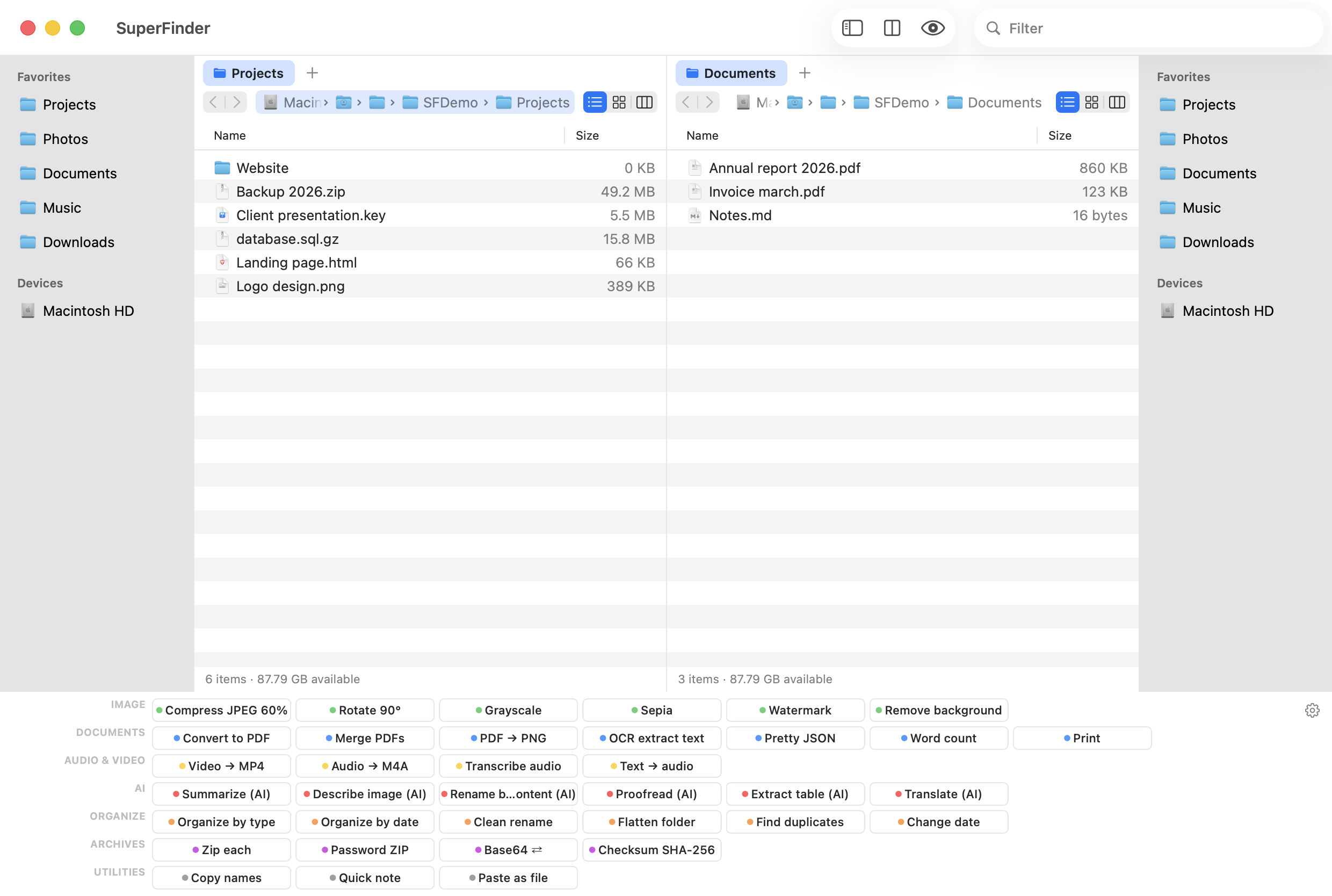
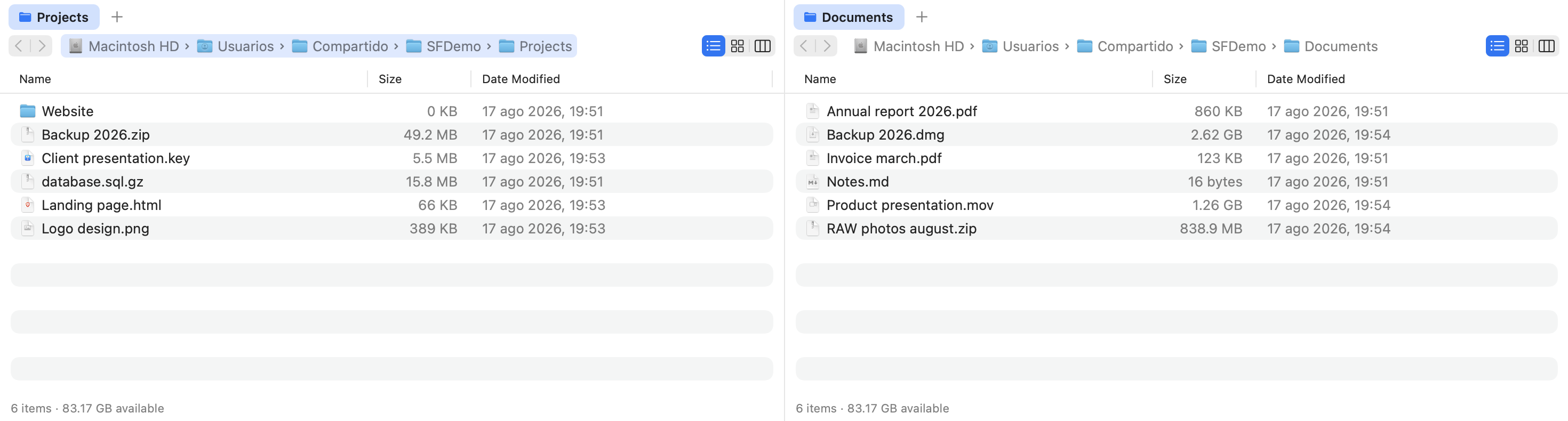
Source on the left, destination on the right: moving files stops being a window-juggling act. The active pane is color-marked, and each pane has its own tabs, history and favorites sidebar.
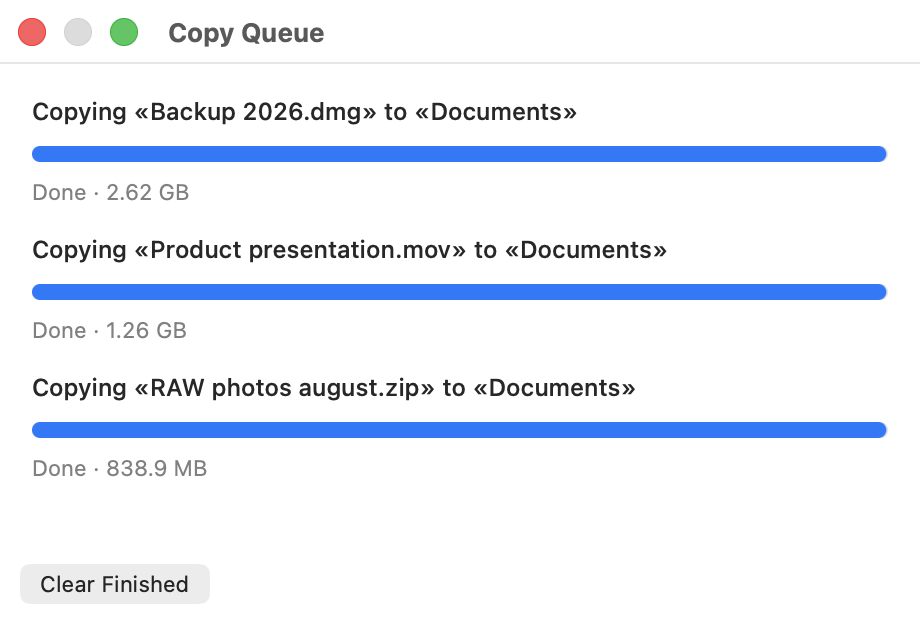
What Finder has never had: every transfer shows bytes, speed, and the file in flight. Tasks queue up and run in order, without fighting over the disk.
Press ⌥ Space from anywhere — Mail, Photoshop, a game — and a full dual pane slides up from the bottom edge of your screen. Drag what you need and press Escape: it vanishes and focus returns to where you were. The essence of TotalFinder, without touching the system.
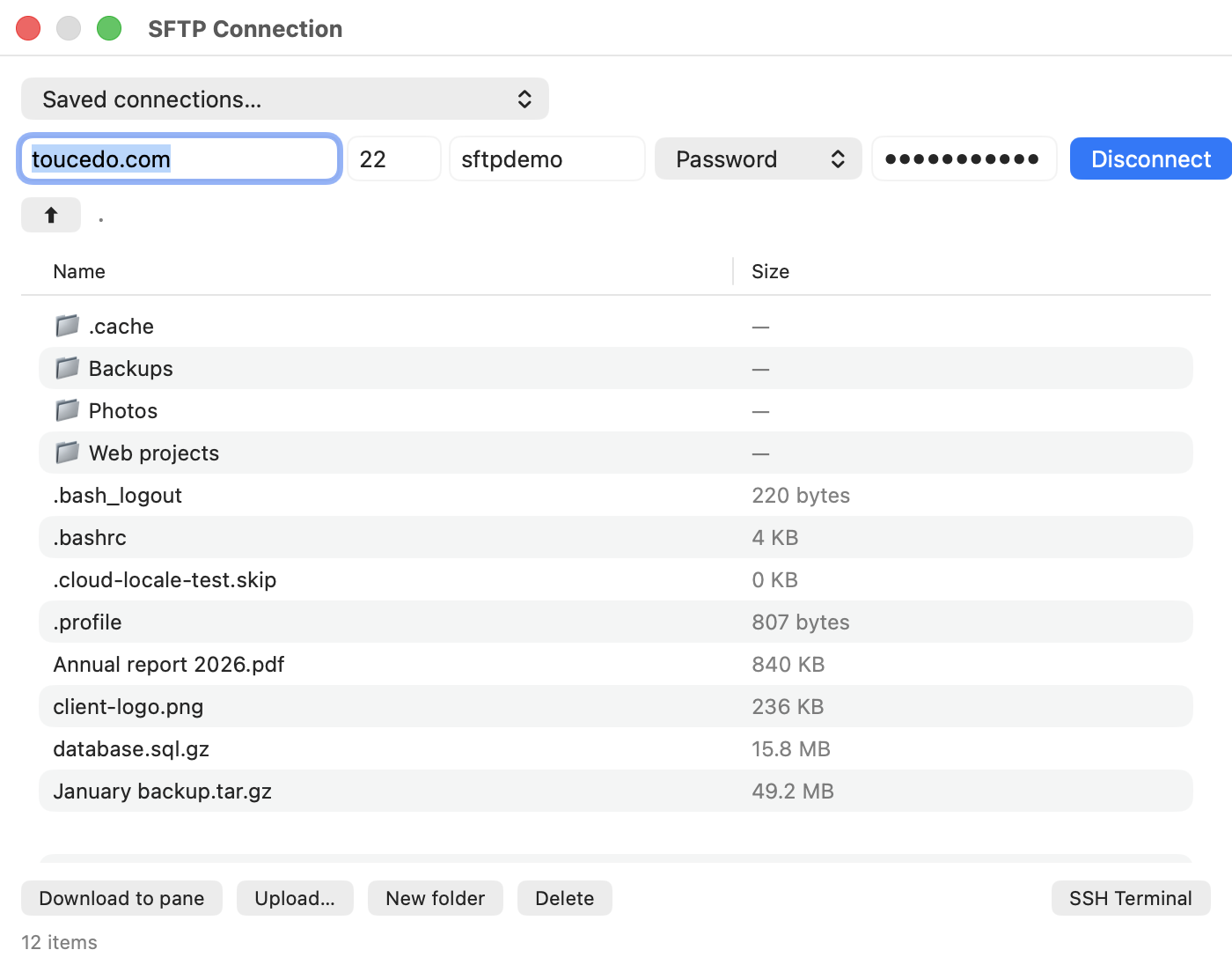
Connect to any SSH server with ⌥⌘K: browse the remote system, download to the active pane and upload files. Save your servers in the connection manager and open an SSH terminal in one click.
Each one with an example. No vaporware lists: all of this ships in the version you download today.

Type a few letters in order and find the file even if you don't remember the exact name. Ignores case and accents.
pjct → project-final.sketch
In any folder, just start typing and the selection jumps to the first match. No search box needed.
inv → Invoices 2026.numbers
Find & replace, prefixes, suffixes, numbering and regular expressions with templates — live preview and two-phase collision-proof renaming.
IMG_(\d+) → Wedding-$1.jpg
Compare both panes recursively: what's missing, extra, or different. Copy what's missing in either direction with one click.
⇧⌘K · 47 differences → Copy →
Buttons running your own shell scripts on the selection. Direct lineage from Directory Opus on the Amiga.
sips -Z 1200 $SF_FILES
Redefine double-click per extension: make a .zip list its contents instead of extracting, or open .log files in your favorite viewer.
.zip → unzip -l "$SF_FILE" | open -f
Press F3 and look inside any file instantly: text or hex dump with ASCII column. Without launching any app.
F3 → 00000040 4d 5a 90 00 · MZ··
Flatten a folder's whole tree into a single list with relative paths. Combine with fuzzy filter to find anything in huge projects.
⌥⌘F → src/app/utils/date.ts
The classic 7 colors painting the entire row, 100% compatible with Finder tags, both ways.
Annual report.pdf
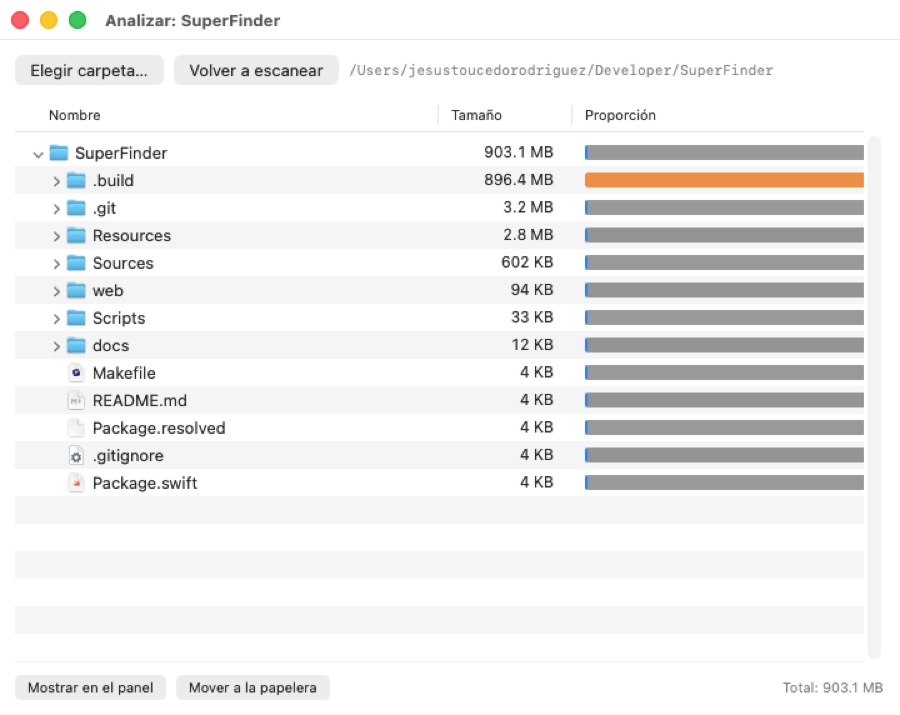
Folders show their real size, computed in the background without blocking anything, with smart caching.
node_modules → 1.2 GB 😱
Open With (all your apps, with icons), duplicate, compress, make alias, copy path, get info and Terminal here.
⌘D duplicate · ⌥⌘C copy path
Select by wildcard or invert the selection: the professional way to work with hundreds of files.
⌥⌘A → *.jpg (234 selected)
Built-in SFTP client (⌥⌘K): password or SSH key, Keychain-backed connection manager, one-click SSH terminal. Plus mount SMB, WebDAV or NFS with ⌘K.
sftp://your-server · smb://nas.local
Import your Finder sidebar in one click. Two sidebars, one per pane, each driving its own side.
11 favorites imported ✓
Quick Look with space, side preview panel with ⇧⌘P, and arrow-key browsing without closing the preview.
Space · ⇧⌘P
Trash with ⌘⌫ or permanent delete with ⌥⌘⌫ and confirmation — ideal for external volumes.
⌥⌘⌫ → Delete permanently?
Hidden files with ⇧⌘., per-tab ◀ ▶ history, real cut & paste interoperable with Finder, F2 rename, folders-first sorting.
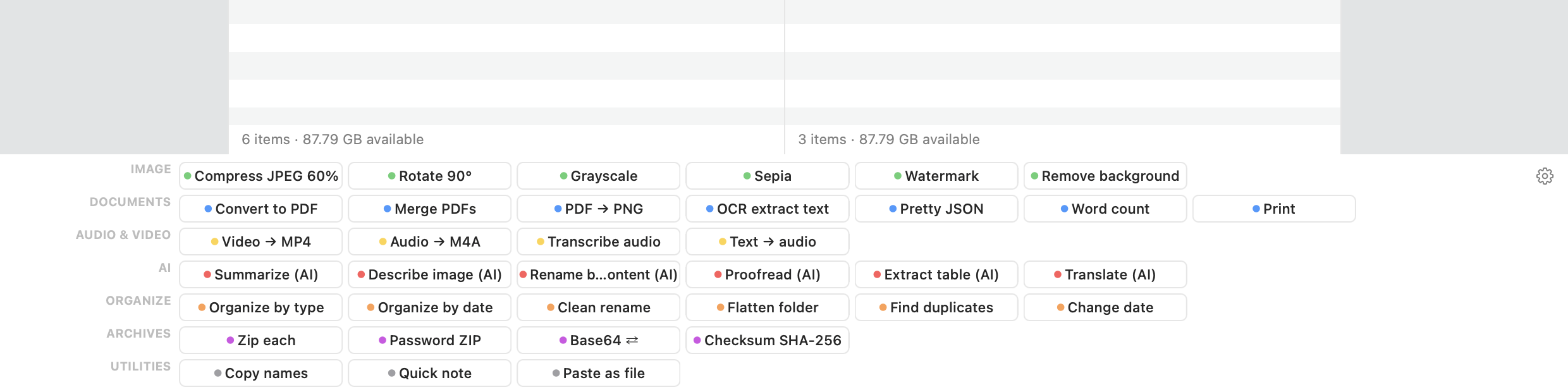
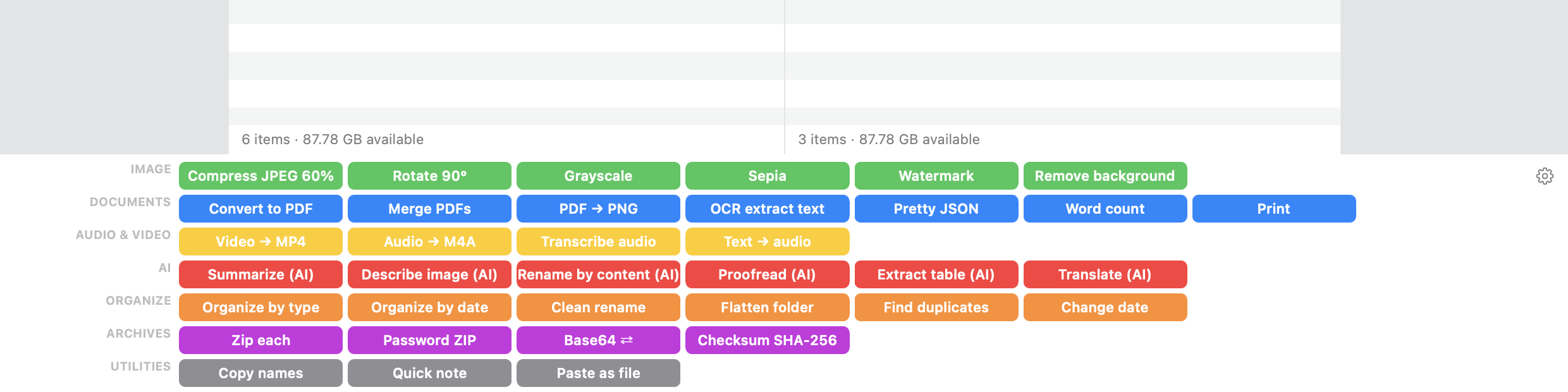
⌘X → ⌘V (for real)A button grid in the style of the legendary Directory Opus, organized by category: image, PDF and audio converters, OCR, background removal, transcription, batch organizing and AI (Claude or OpenAI with your key). Each button runs a shell command — build your own, group them into custom categories, pick colors, or hide it with ⌥⌘B.
From Total Commander, from Finder, from browsers. No learning curve.
| SuperFinder | TotalFinder | Finder | |
|---|---|---|---|
| Works without disabling SIP | ✓ | ✗ | ✓ |
| Survives macOS updates | ✓ | ✗ | ✓ |
| Dual pane | ✓ | ✓ | ✗ |
| Global slide-out Visor | ✓ | ✓ | ✗ |
| Copy queue with progress & pause | ✓ | ✗ | ✗ |
| Compare / sync folders | ✓ | ✗ | ✗ |
| Batch rename with regex | ✓ | ✗ | ~ |
| Programmable command bar | ✓ | ✗ | ✗ |
| Full-row color labels | ✓ | ✓ | ✗ |
| Built-in text/hex viewer | ✓ | ✗ | ✗ |
| SFTP client with SSH keys | ✓ | ✗ | ✗ |
| Works on current macOS | ✓ | ✗ | ✓ |
Secure checkout by Paddle · Card, PayPal & Apple Pay · VAT invoice
TotalFinder injects code into Finder, which requires disabling SIP (macOS system protection) and breaks with every system update. SuperFinder is a standalone app using only public Apple APIs: drag-to-install, notarized, and it survives every macOS update.
It needs macOS 12 (Monterey) or later, on Apple Silicon (M1 onwards) or Intel Macs (2015 onwards). It weighs 13 MB. Some image AI features (background removal) require macOS 14.
It lives alongside it. Finder remains your system's Finder; SuperFinder is where you work when you manage files seriously. Labels, favorites and the clipboard interoperate between both.
All of yours. It's a personal license, not per-device.
The app updates itself (Sparkle, the macOS standard). SuperFinder menu → "Check for Updates…" or automatically. Every build is signed and notarized.
The download is a 14-day free trial with every feature (afterwards it keeps working with a friendly reminder to buy). And if you buy and regret it, 14-day no-questions refund via the contact form or directly with Paddle from your receipt.
Questions, suggestions or issues: I read every message personally.